Unlock the Secret to Dreamy, Cinematic Photos with Glow Presets
Unlock the Secret to Dreamy, Cinematic Photos with Glow Presets


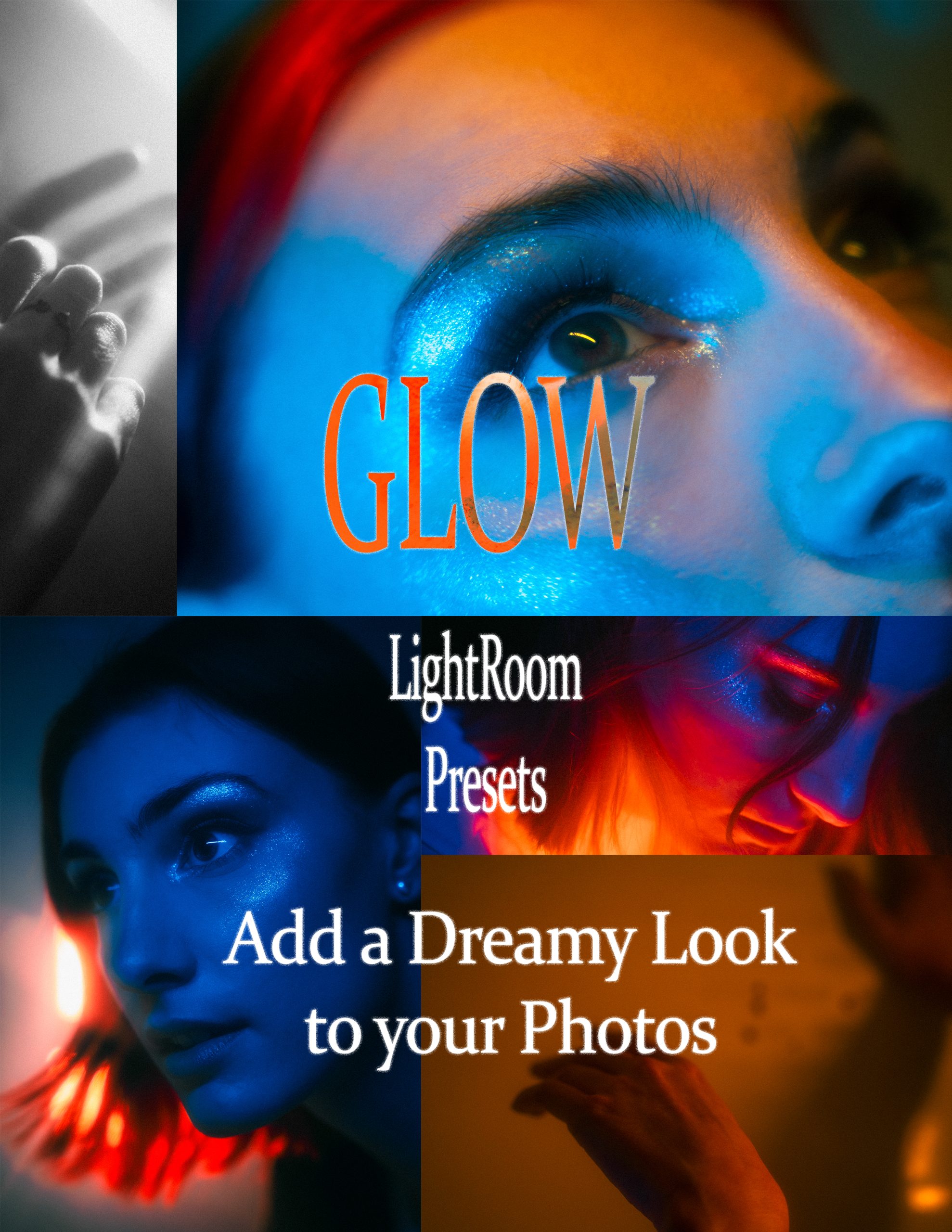
Every photographer knows the feeling — you take a great portrait, the lighting is right, the composition is solid, and the moment feels special… but in Lightroom, the photo still needs that something extra to really come alive. That’s exactly why I created the Glow Lightroom Preset. It was inspired by a creative portrait photoshoot I did, where the lighting and mood pushed me to experiment with softer highlights, warm tones, and a dreamy, cinematic feel. I wanted a preset that could recreate that atmosphere every time, not just in that one session.
Glow works especially well for portraits and creative portrait photography, where skin tones, lighting, and mood are everything. During development, I tested the preset on several different images — not just one — because I wanted a look that would feel consistent across different skin tones, lighting conditions, and backgrounds. I spent hours inside Lightroom tweaking color grading, adjusting HSL color panels, softening shadows, and playing with texture and clarity until everything felt just right. There were a lot of versions that didn’t make the cut, but once Glow finally clicked, I knew it was the one.
One of my favorite things about the Glow preset is how it adds dreamy tones and softens skin tones. It gives photos that cinematic photo editing vibe without washing them out or looking too heavy-handed. It’s subtle enough for natural light portraits but strong enough to bring creative photography to life. Whether you’re shooting with a mirrorless camera or your phone, Glow adds depth, warmth, and emotion with a single click.
I originally built and tested the preset using my Sony A7III, which handles color incredibly well, but Glow still works beautifully on other cameras and Lightroom Mobile Presets as well. If you’re looking to elevate your portrait work and add a consistent, film-inspired aesthetic to your photos, Glow is the perfect place to start.
Want to see Glow in action? Check out the examples in my Shop page.
#GlowPreset